 DND Override
What can be matched
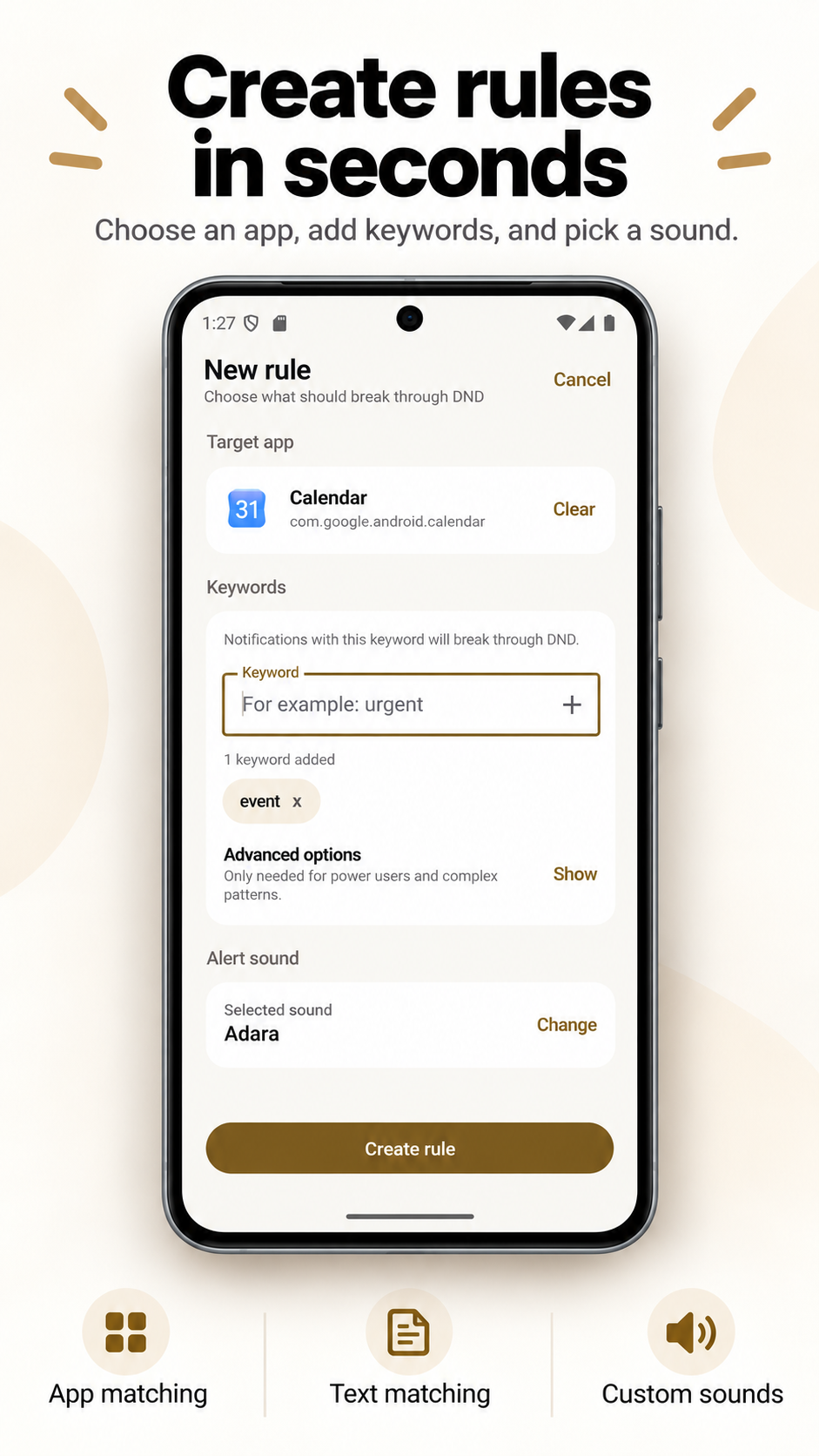
A rule can contain a selected app, one or more literal keywords, or both. Leave the app unset to apply the text rule to notifications from any app. Literal matching checks the combined nonblank title and message text.
- Any keyword: one listed keyword is enough.
- All keywords: every listed keyword must appear somewhere in the searchable text.
- Ignore case: optional for literal keywords.
- Regex: one Kotlin regular-expression pattern, evaluated case-sensitively in the current editor.
Blank and duplicate keywords are removed when a rule is saved. Invalid regex patterns are rejected by the editor and fail closed in matching.
Example uses
- An app +
criticalrule for a busy work chat. - Any app +
server downfor monitoring notifications. - A camera app +
person detectedwhile routine motion messages remain quiet. - All-keyword matching for
productionandfailed.
These are generic text examples, not integrations with any named service. The source app must post that text in a notification Android exposes.
Why native Android may still be enough
If the source app provides a dedicated notification category for exactly the important alerts, you may be able to mark that category as alerting or allow it during DND in Android Settings. Use that native path first. Text matching is valuable when the app's categories are too broad or absent.
Privacy and behavior
The current app has no account system, ads or developer-added analytics or tracking SDK. Notification matching does not contact a developer-operated server; the Google Play Billing dependency contributes network permissions and components. Matching occurs on the phone, and notification content is not stored as a history. Saved rules may be included in Android backup or device transfer.
See the broader Android notification rules guide or DND setup guide.