 DND Override
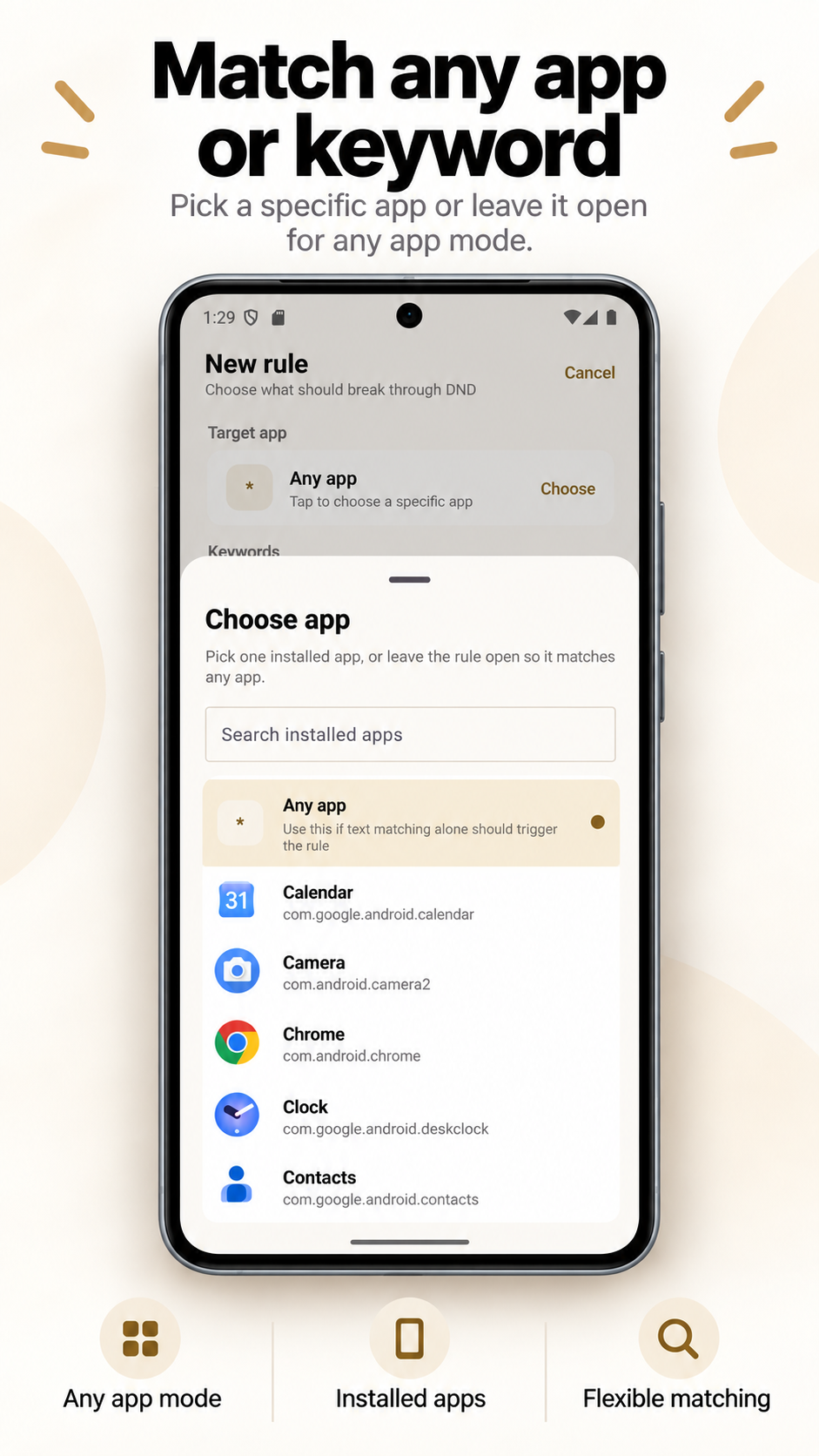
Choose an app
Let one selected app make a sound during DND, or create a more selective rule for only certain notifications from that app.
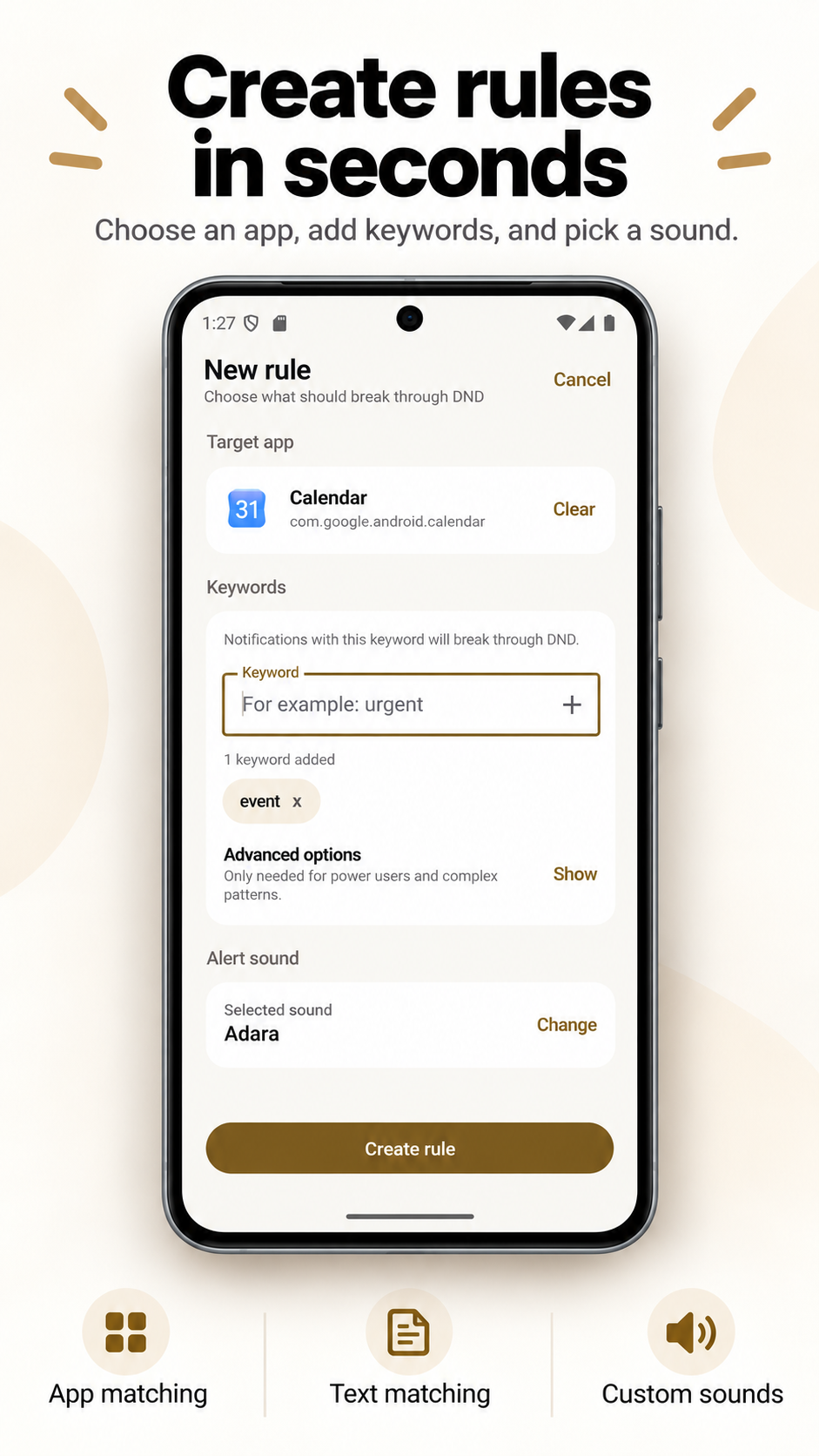
Keep most notifications quiet while letting the important ones make a sound. Choose an app, words in the notification, or both—and pick the sound you want to hear.
Android 7.0 and later · No account · Matching stays on your phone
Let one selected app make a sound during DND, or create a more selective rule for only certain notifications from that app.
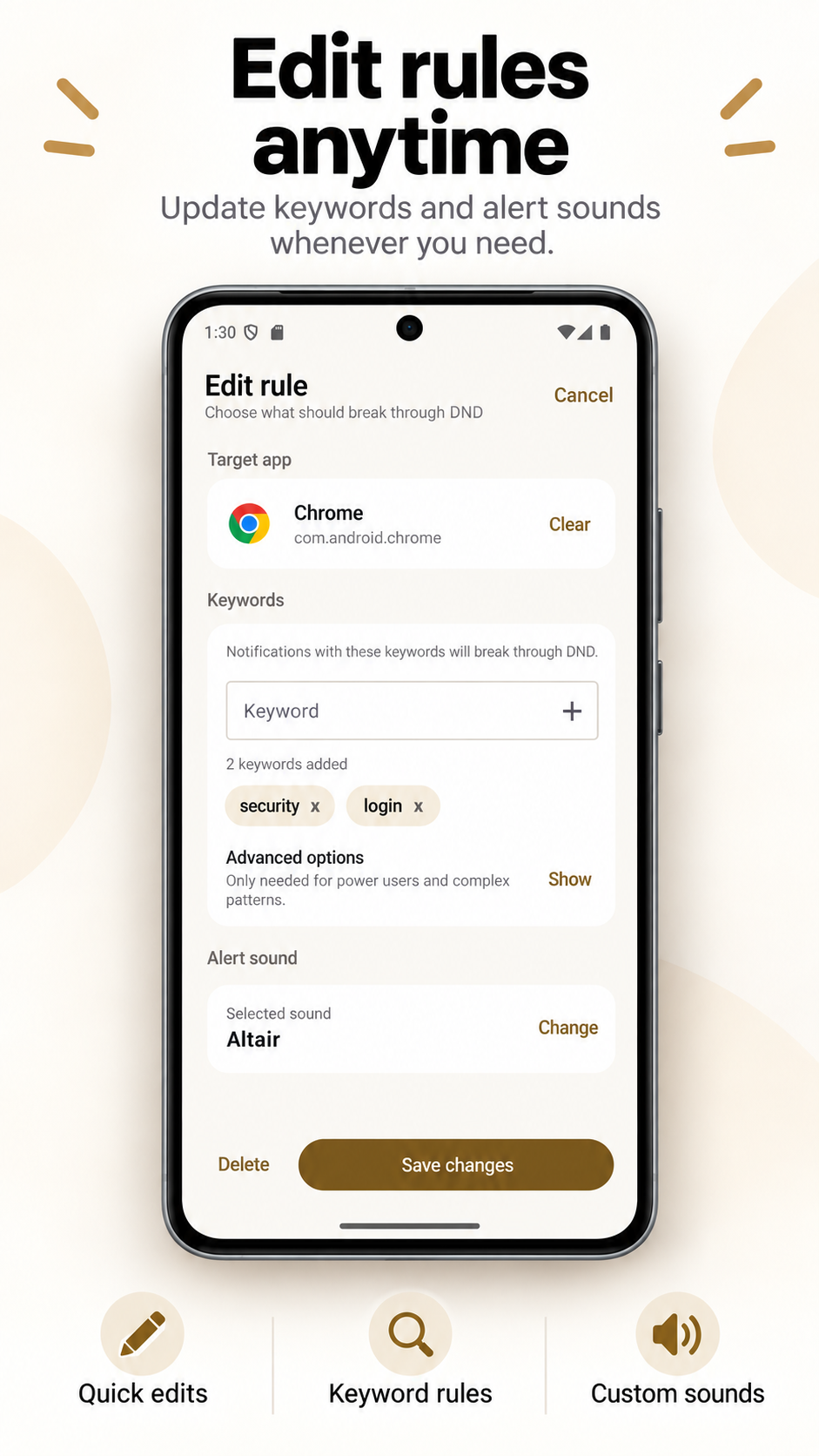
Choose words that identify what matters. Match any word or require all of them, with optional case-insensitive matching.
Choose a built-in notification sound or an audio file from your phone. Advanced users can also create a regular-expression rule.
See how to choose an app, add important words, and select the sound for a rule.
Let a generic Android notification containing text such as “DOWN” or “CRITICAL” use a louder chosen sound during DND.
Server alert guideIf a camera app posts visible text, combine that app with a phrase such as “person detected” instead of sounding for every motion event.
Camera alert guideMatch selected urgent wording while ordinary messages from the same app remain subject to normal DND behavior.
Urgent notification guideNotification titles, messages and package names are matched on the phone. The app does not store a notification history.
No account, developer-operated notification server, analytics SDK, advertising SDK or tracking SDK is present in the current app.
It is not a certified alarm, medical-alert or emergency system. Notification delivery and background execution remain subject to Android, the source app and the device manufacturer.
No. It checks whether DND is active and plays a separate sound for a matching notification. Android's DND policy remains enabled.
Android notification access is required so the notification-listener service can receive posted notifications and read the visible content used for matching. If you choose your own audio file, Android grants the app persisted access to that selected file. The current app does not request notification-policy access or the Android 13 POST_NOTIFICATIONS permission. Its merged manifest includes internet and network-state permissions from the Google Play Billing dependency; notification matching itself does not use a developer-operated server.
Yes. Literal matching can trigger when any keyword appears or only when all keywords appear. Ignore-case is optional. Regex mode accepts one case-sensitive Kotlin regular-expression pattern.
The notification-matching and sound-playback path is local and does not require the internet. Google Play Billing needs Play services when checking or purchasing the optional unlimited-rules unlock.
The app uses alarm audio attributes and checks alarm-stream volume. It can play during DND when alarm volume is above zero, but device-specific sound, battery and background rules can still affect playback. Test your exact device and rule; do not rely on it for life-safety use.
No named integrations are implemented. It works generically with Android notifications that another app posts and whose visible text is available to the notification listener.